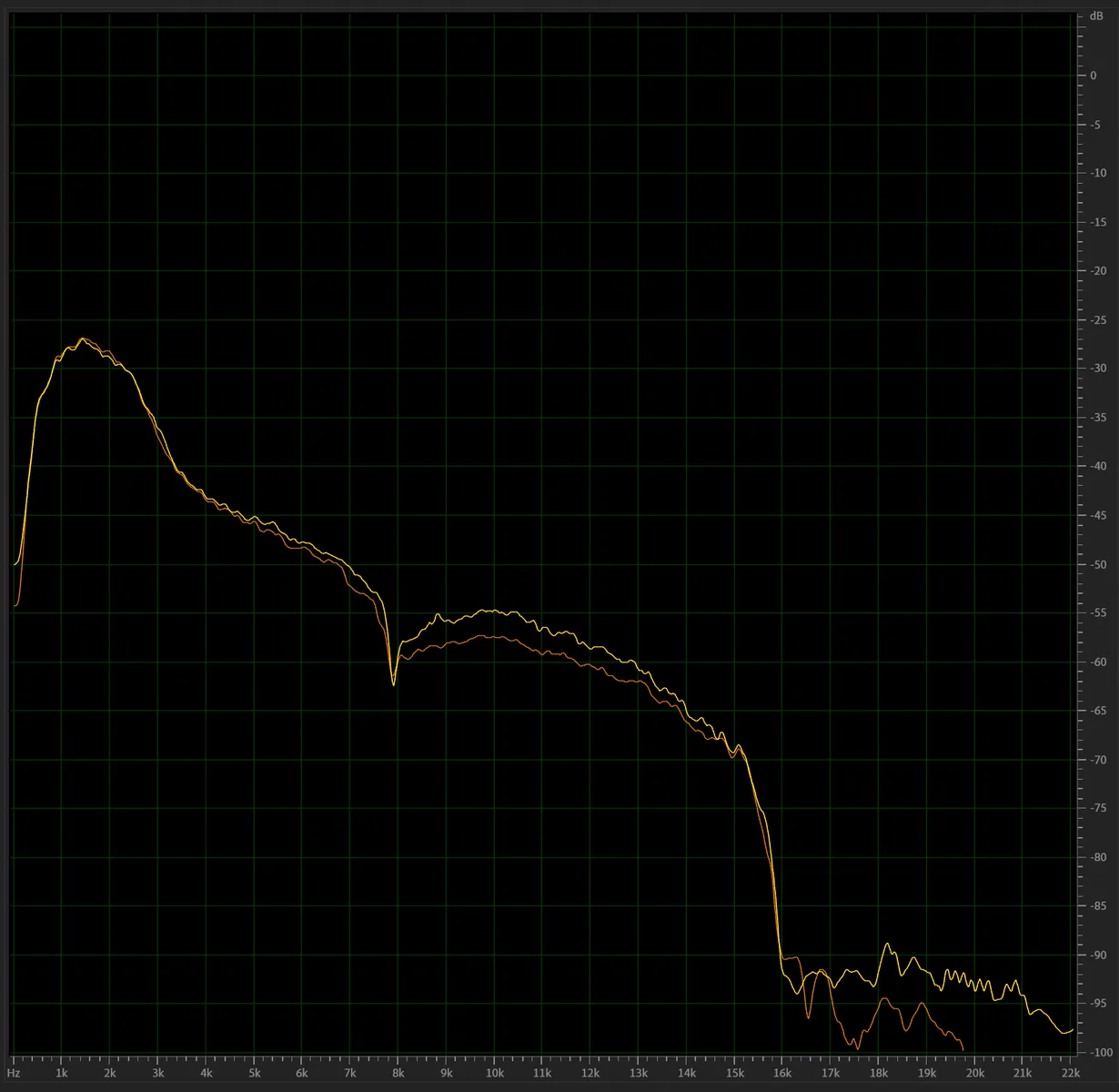
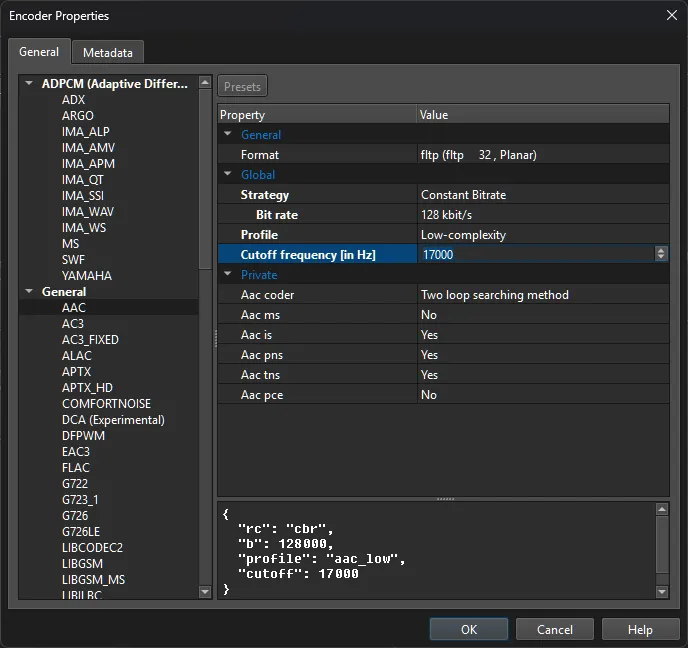
I'm seeing a subtle but clearly visible color/contrast shift when exporting from DaVinci Resolve using Voukoder Pro 2026.0.18.0.
I tested the following:
- Same Resolve project
- Same source footage
- Same GPU (RTX 5060 Ti)
- Same NVENC encoder
Results:
- Voukoder Pro 2026.0.18.0 → visible color shift
- Voukoder 13.4.1 → colors match the timeline correctly
- Resolve native CineForm export → colors match correctly
I also tested different Voukoder input formats (YUV 4:2:0, YUV 4:4:4, etc.) and RGB Mode settings. No change.
Most importantly, the shift appears not only with HEVC/NVENC, but also with ProRes exported through Voukoder Pro. This suggests the issue happens before the encoder stage.
MediaInfo reports correct BT.709 metadata, so the problem does not seem to be missing color tags.
A while ago I had a similar FFmpeg issue (when converting videos via script) and fixed it by explicitly forcing Rec.709 conversion:
-vf colorspace=all=bt709:iall=bt709
-color_primaries bt709
-color_trc bt709
-colorspace bt709
-color_range tv
Could there be a color conversion regression in the Voukoder Pro pipeline compared to Voukoder 13.4.1?
I'm uploading the original video and two conversions:

This color shift makes Voukoder Pro unreliable for me. I didn't find a way to resolve this, so I'm going back to v13 for now.
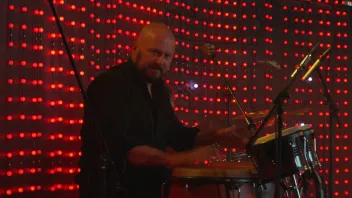
This is original:
This is converted in Voukoder Pro:
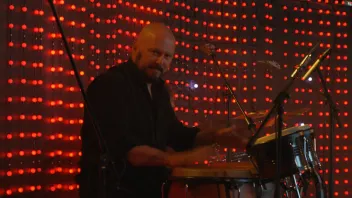
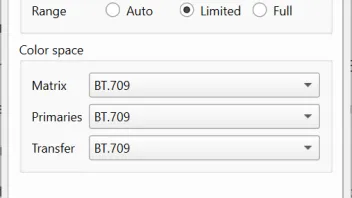
I even tried forcing correct parameters – same result, subtle color/contrast shift.
Okay, I've actually tried to downgrade to v2.0.10, and guess what, everything is fine - no color shift. So, you've broken something in 2026 version. And not only that. The overall responsiveness of the software seems to have degraded, with noticeable lag when opening the Scene Designer. And the Scene Designer no longer respects the scene selected in DaVinci Resolve. Instead, it consistently opens the first scene by default, requiring me to manually select the correct one every time. The arrow to resize Properties window (such as Encoder Properties) doesn't show up (you have to guess where to click to adjust the window size). That's just few of the things I've noticed.