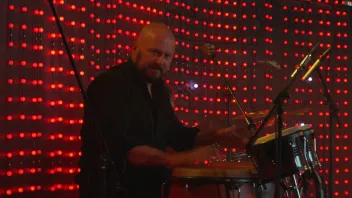
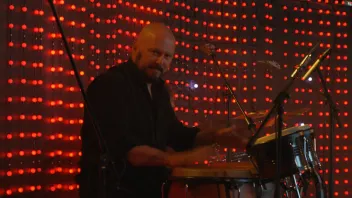
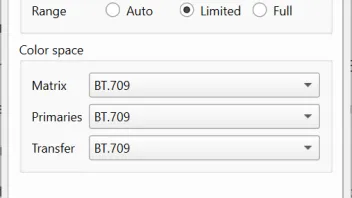
Well, I've done my reporting, should be fairly easy for you to check, if the color issue is solved or not. I provided the file. As for me, I'm staying on v2 for now, because of the mentioned problems of v3: more laggy interface, selected Scene in Davinci Resolve is not opened stratight away in the Scene Designer, and now I also discovered another bug:
Issue: Timecode track is inconsistently lost when exporting Individual Clips
I used Voukoder Pro 3 (v3.0.18) from DaVinci Resolve to create proxy/archive files.
Workflow:
- Imported many camera-original clips into DaVinci Resolve.
- Placed all clips on a timeline.
- Exported using Deliver page → Individual Clips.
- HEVC/H.265 output via Voukoder Pro 3.
Problem:
Some exported files contain a proper QuickTime timecode track (tmcd), while others lose it completely, despite the original camera files containing valid source timecode.
As a result:
- Some exported clips can be linked back as proxy media in DaVinci Resolve.
- Other exported clips cannot be linked because the exported file contains no timecode track.
Example:
Original files:
- 20260506_B0025.mp4 → contains source timecode (10:19:25:23)
- 20260506_B0026.mp4 → contains source timecode (10:49:03:21)
Exported with the same workflow and settings:
- 20260506_B0025.mp4 → no tmcd track present
- 20260506_B0026.mp4 → tmcd track present and working
ffprobe confirms that both original files contain valid timecode metadata, but only some exported files receive a QuickTime TimeCode (tmcd) track.
Expected behavior:
All exported clips should preserve source timecode consistently when using Individual Clips export.
Actual behavior:
Timecode preservation appears inconsistent. Some files retain a tmcd track, while others lose it entirely, making proxy relinking impossible in DaVinci Resolve.
V2 has the same bug, unfortunately.
The reason I tried moving to v3 was because of anticipated ability to change Codec ID from hev1 to hvc1. But this hasn't been implemented last I checked.
Oh, and another thing, while I still remember. When using Voukoder at least once in Davinci Resolve Studio, the built-in H.264 and H.265 encoders in Davinci stop working, trying to encode produces error. Until reboot of application. So, once Voukoder is used at least once, I need to restart Davinci to be able to use built-in codecs. That's also been the case with old Voukoder 13.4.1.
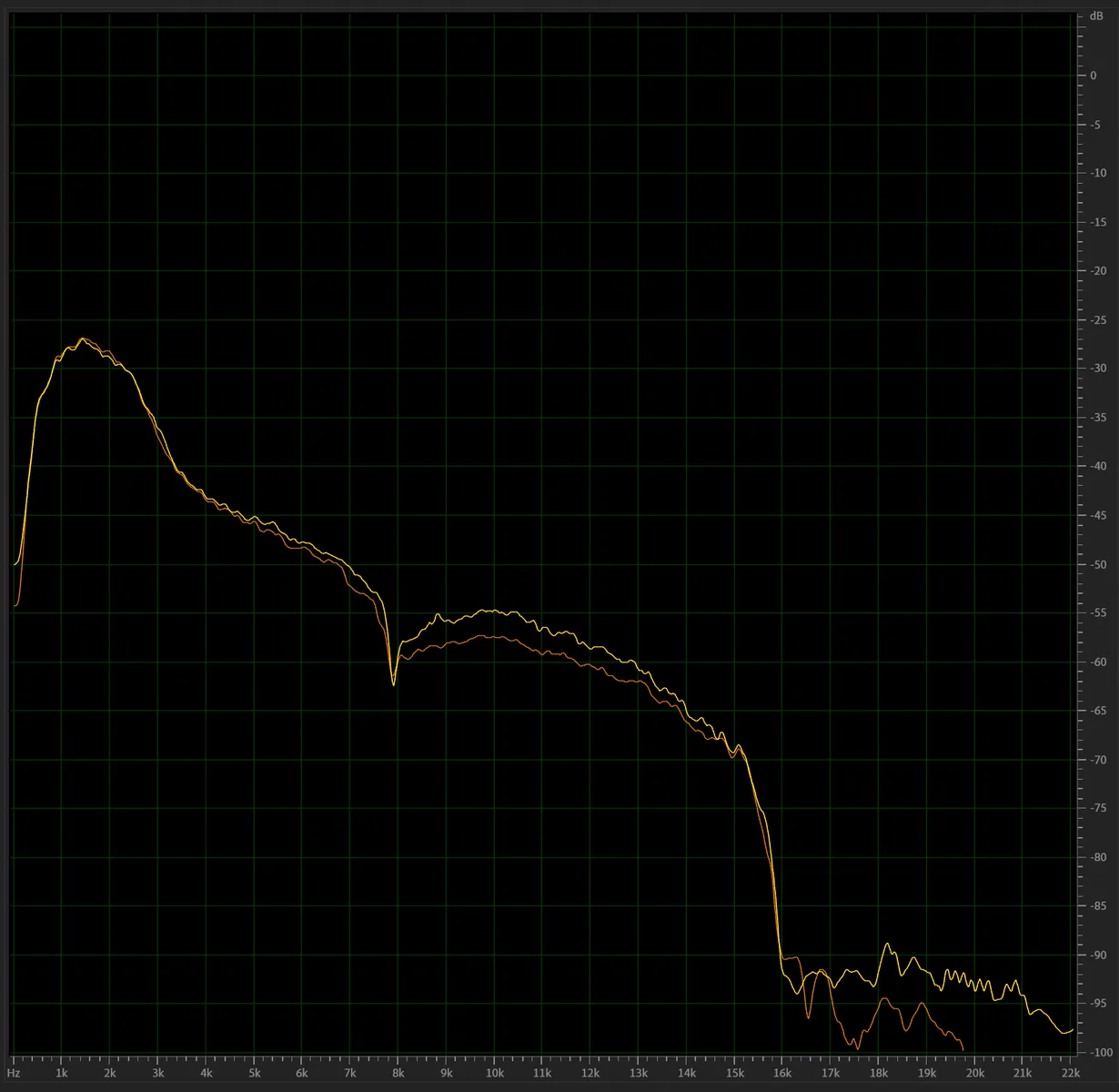
And regarding the audio issue I told you about. As you might know, Voukoder has a maximum available cutoff setting of 20000. So, no matter what I put in that field, it will never go beyond 20000. Meaning, there shouldn't be ever a situation, where the graph is showing values beyond 20K. And you can clearly see in my picture, that the curve goes well beyond. Hence the artifacts. So, it's definetly a bug I had in v3.0.18. But, like I said, I'm now staying on v2 until major updates have been made to v3. I'm okay with having to run hvc1 codec ID script seprately, already used to this workflow. Main thing that there are no other bugs that would irritate me.