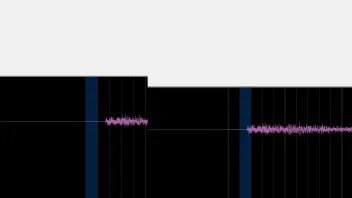
I've noticed that since Vegas 22 (build 250), the program no longer offsets audio, so clips rendered with the old Voukoder now have an audio offset -- the audio track from Voukoder has almost two empty frames added at the beginning @ 50fps. I'm writing because the problem may also affect the new Voukoder.
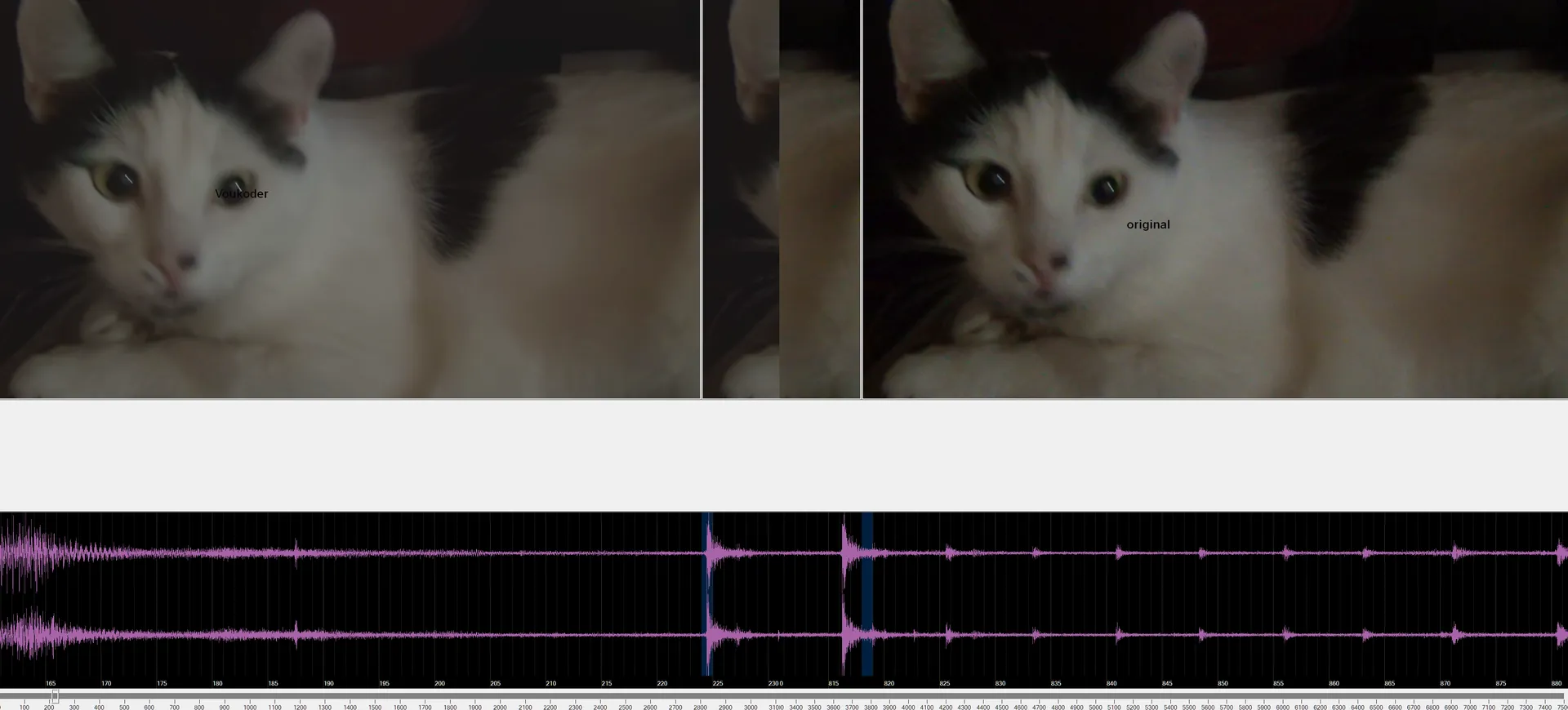
Vegas 22 - MAYBE offset problem
-
-
- Official Post
Is it same issue as discussed here https://www.voukoder.org/forum/thread/1587 ?
-
-
Probably so.
It might also help to note that I rendered just the audio to WAV in Vegas and replaced it in the rendered file with Voukoder, and now the audio matches perfectly.
-
- Official Post
The way the classic Voukoder fixed it was it added a 2s (IIRC) audio delay invisible to the user in the filter chain.
The alternative was to switch VEGAS back to an older audio renderer, but I can't remember that one in detail.
-
Does Pro also add some time?
-
- Official Post
Not automatically, but you can add this adelay filter manually.
-
I understand, old versions added 0.44ms as I read, but Pro doesn't add anything?
-
- Official Post
No, i considered this as a hack. This might also be the wrong approach if users are using other NLEs than VEGAS.
-
- Official Post
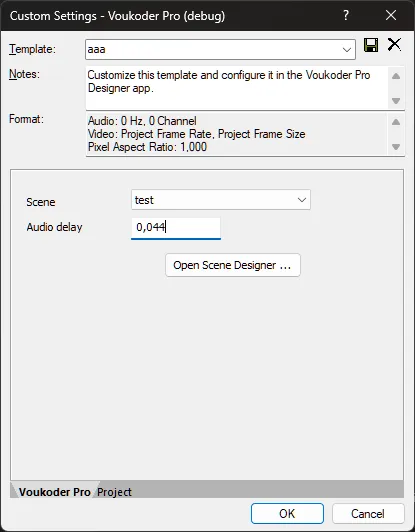
Anyways, as this is an annoying issue with VEGAS Pro I tried to apply that hack again and make this time even configurable ONLY for VEGAS Pro. Well, at least I asked Amazon Q / claude (AI) to do it. Surprisingly that actually worked quite well!
You might need to delete the existing templates.
Can you (or others) please test this if this helps you? The above value might not be correct, just play with it.
-
Yes, but there's no need to do that in Vegas anymore. I'm using Vegas Pro 22.250 and the audio transmitted through Vegas is correct. I assume that in Vegas 23, this correction is also unnecessary.
-
Vouk
October 31, 2025 at 9:40 AM Added the label Fixed