

Did you check this?

If you have enabled it and it still doesn't work you can try this: RE: VEGAS Pro 23
Did you check this?
If you have enabled it and it still doesn't work you can try this: RE: VEGAS Pro 23
For the first error please increase the log level to TRACE in the Voukoder Settings and reproduce the steps, it should log more detailed logs..
If it reports "License is busy" check the task manager if there are still VEGAS23.exe processes are running and terminate them.

Sorry, but I can't do anything about it. You can just try to update VEGAS Pro to a possible latest version and see if this issue has been fixed. As I've said before Voukoder Pro is just a pure file output exporter plugin to VEGAS and should not interfere with any UI functionality.
I'll write a further email directly to their CTO now. If I still don't get a reply anymore I have to accept the consequences.
Edit: Perhaps it has something to do with Magix's insolvency in 2024.
Can you try to create a new template based on the voukoder pro template? does that help? it is normal that the fps, etc is 0. It is taken from the current project.
Try to create a new template based on the existing Voukoder Pro fixed templates.
SilverHawk Could you do a video on YouTube and show users how they can fix this issue if they experience it?
Please check out this topic: RE: VEGAS Pro 23
SilverHawk somehow got it working! I'll check it too in the next days.
Thanks for the info! That might give me some hints to fix it. I will investigate this.
Can you also show the log files when Voukoder is not being shown? SO when it's in the error state?
Maybe you can try to switch your windows region settings to en_US and see if that helps.
I was having this issue at the very beginning with VEGAS Pro 17 or 18 ... it suddenly stopped working. The only way I got this working again was reinstalling windows.. reinstalling VEGAS was not enough.
I was having my code checked by the VEGAS developers last year and they said everything looks good, they didn't see any issues.
So in my opinion it's VEGAS fault. Sometimes changing the region settings also seemed to help. Are you at English (USA)?
Yes, this time it is just missing an output file name. everything else is properly working.
I guess you have had different versions of Voukoder (Pro) installed (like Voukoder 1/Classic). Having both installed could result in incompatible templates. Can you try to create freshly new files based on the new built-in templates?
Great! So the scene test is fully working.
Do you see Voukoder Pro in VEGAS Pro 23 in the "Render ..." dialog and the "Customize ..." dialog?
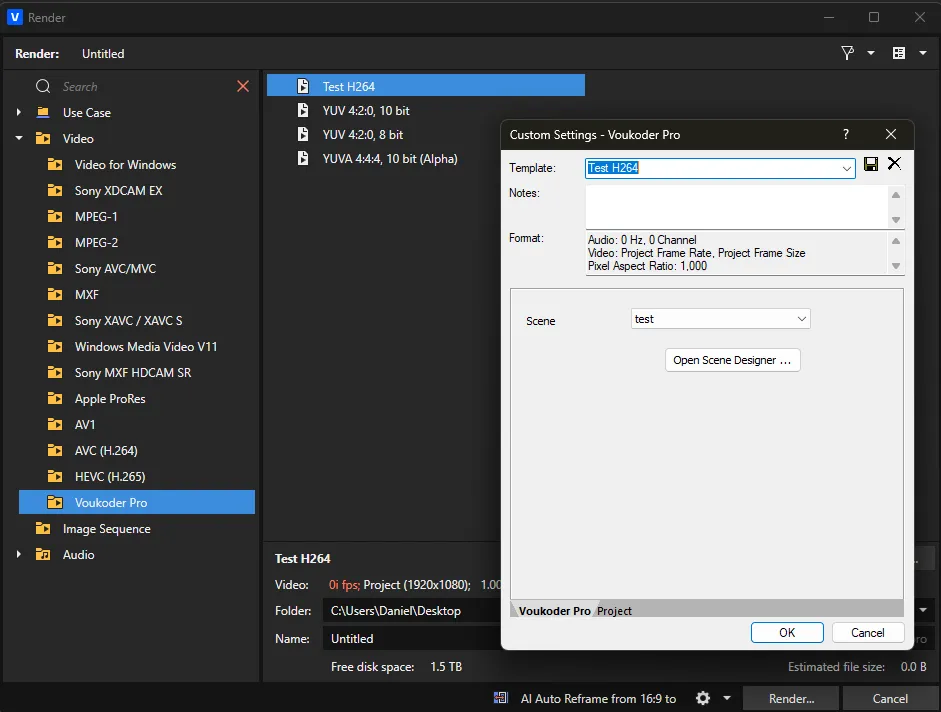
So having your created scene open in the Designer App can you perform a scene test, like clicking here ...
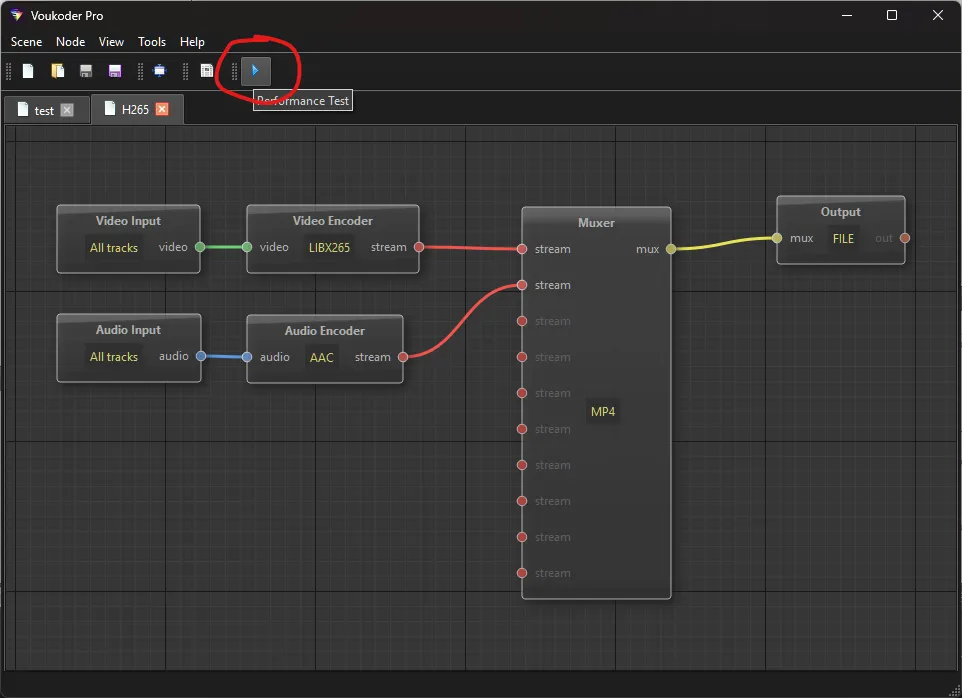
... add a video track ...
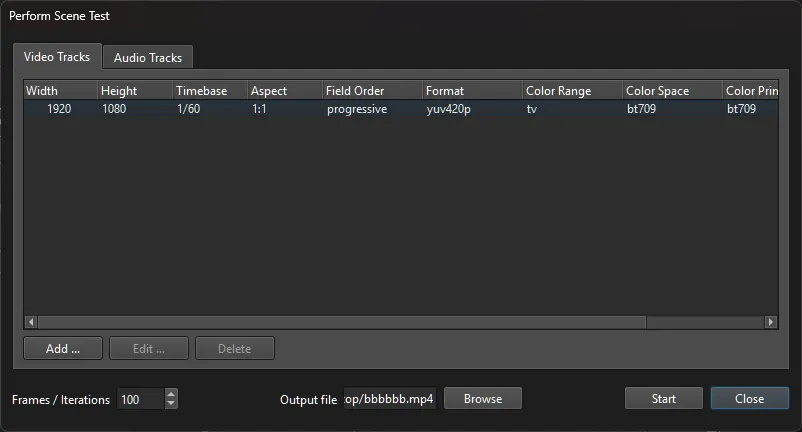
... add an audio track ...
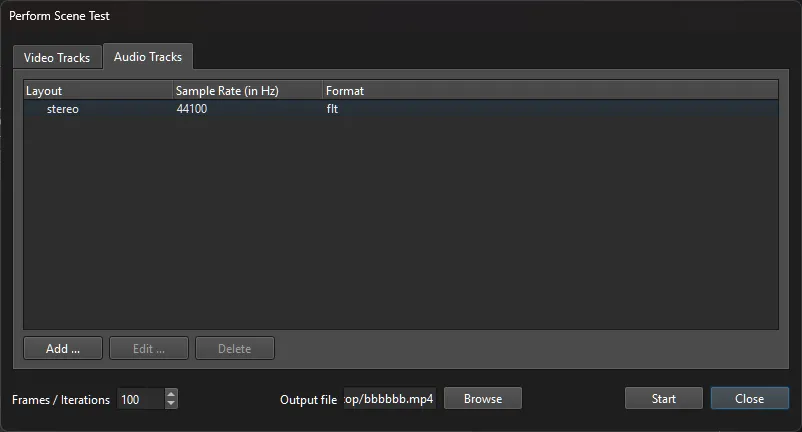
... click on START and copy the log output from this window here:
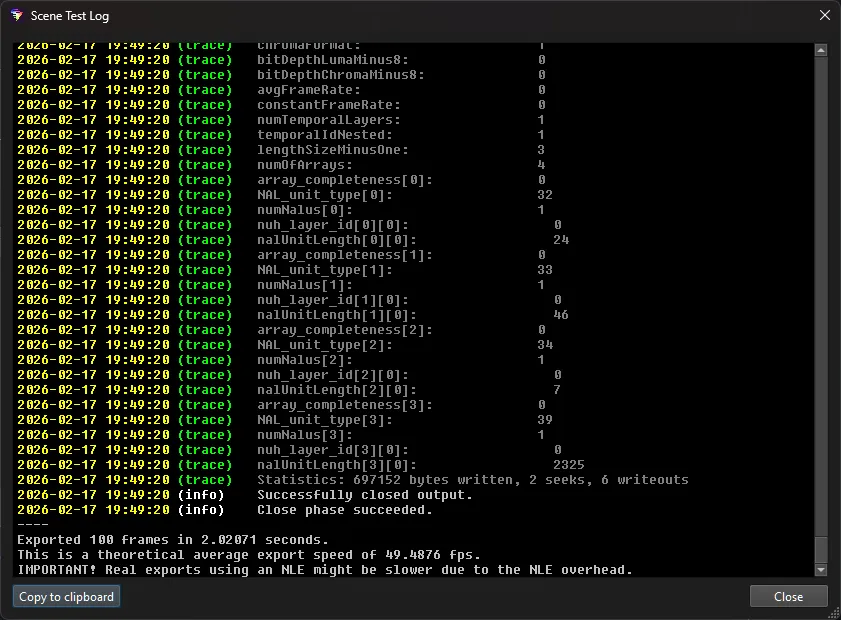
Can you please share the whole log file?
This entirely depends on which FFmpeg variant you are using. If libfdk-aac is included there you can use it, if not - then not. I gave up building my own FFmpeg some years ago. But there is also a special topic with this encoder: for legal reasons you can not re-distribute it as it is considered "nonfree".
Still got no reply from the VEGAS Pro team regarding this issue.
I did't get any reply to my email so far. I think they just want to keep this topic hidden. And maybe that's why they don't about it in the SDK documentation.
18.0.0.0 is okay as the plugin uses this API also for VEGAS Pro 19 API.
I have to admit I'm fighting this bug for years now, and honestly I don't have a clue. It seems it's not in the code, I assumed it was something in the metadata / resources of the plugin dll, but the VEGAS Pro guys said i was wrong with this ... so this is still unknown why ít sometimes doesn't work. Sorry I don't have better news.