


Hi, I'm having a weird problem with the trial version of Voukoder Pro and Premiere Pro 26.3.0. I installed the latest version of Vokoder and and FFMpeg and set up a system variable for its folder. When I try to export with default settings, I get the following error:
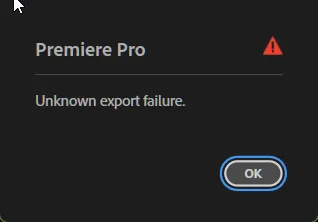
I thought maybe the program couldn't find FFMpeg or my installation was missing something, so I installed the version linked here. Same problem. I uninstalled program and reinstalled it. Same thing. Then I noticed that I had an older version of Voukoder (2.0.12) that I never got a chance to test. I tried installing that instead and the default scene export worked. But when I changed it to other encoders like LiBSVTAV1 or LIBAOM-AV1, it failed with the same error. I uninstalled the old version, deleted all the Voukoder folders on C:\ and installed the latest one again: same error, even with the default scene. Changing debug to trace didn't help:
Export Error
Exporter returned bad result.
Writing with exporter: Voukoder Pro
Writing to file: I:\Premiere Projects\TEST.voukoderpro
Around timecode: 00:00:00:00
Component: Voukoder Pro of type Exporter
Selector: 9
Error code: 20
Any idea what the problem might be?
