
Hi,
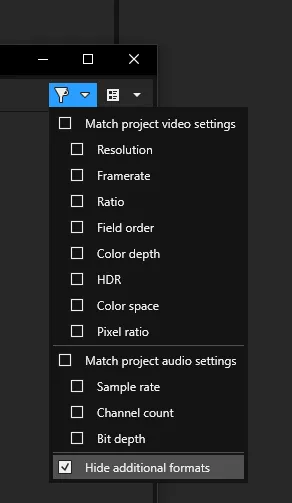
I've recently tried to use Voukoder on BorisFX Vegas 2026 to export a WebP animation loop with an alpha channel.
I've noticed, the quality is either "lossless" if configured or very noisy and there's basically no in-between, regardless of quality options.
I'm using:
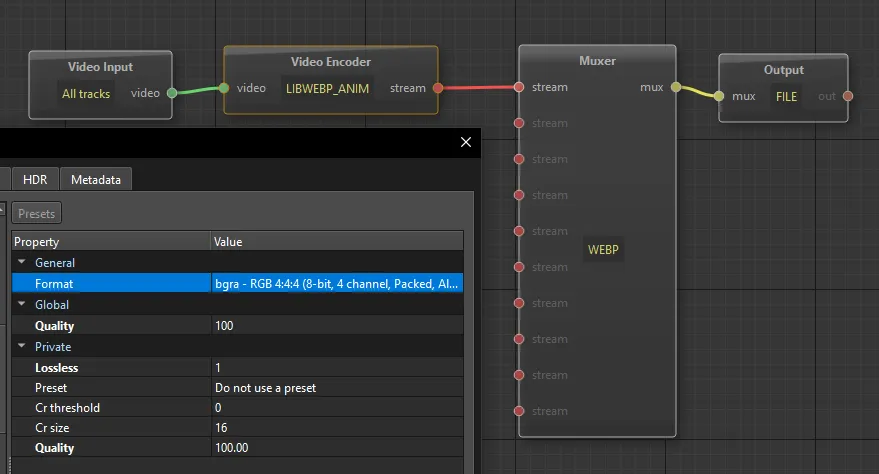
Regardless, if I select "lossless", the output file size is huge, it's a lot larger than I'd expect.
If I use ffmpeg manually to encode an image sequence:
ffmpeg -framerate %2 -y -i %1 -loop 0 output.webp
This works great with:
seq2webp.bat "MyRenderedFrames_%6d.png" 24
With an example filenames:
MyRenderedFrames_000000 ... MyRenderedFrames_000250
With a manual ffmpeg encode, the filesize is ~1/6th the size of a Voukoder output.
Is there something more I should do to achieve more fine grained control or is this a limitation of the current WebP handling within Voukoder?
Thanks