


Thanks, rendered to MP4 and that worked. Thanks for the quick response. It is hard to find good customer care now a days. I just purchased Voukoder Pro 2026. Thanks for all of your hard work on this project.
Beiträge von kjcmjc
-
-
I am using the trial version license. I purchased a license last year and I know 2026 build is the newest one. Last years licensee will not take. I wanted to try the 2026 build as a trial before I purchase the newest version.
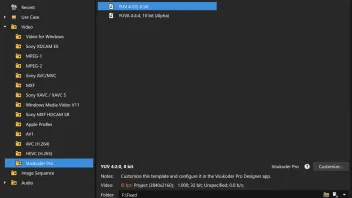
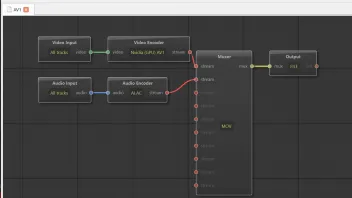
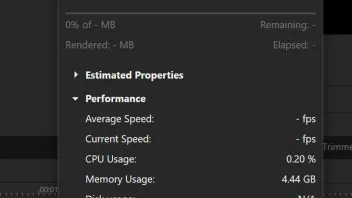
I installed the latest Windows Voukoder version 3.0.15, and FFmpeg 8 GPL. When I go to render a AVI NVIDIA scene I get the error dialog box shown below. Voukoder will render Prores_KS, and Nvidea H264, after a slight pause before the render begins. I tried the built in AV1 render template in Vegas and that rendered fine. I am selecting the scene before I render. I have the latest Nvidea Studio drivers installed. I also posted a log file. Thanks
-
I am having the same issue. Running Vegas build 302. Voukoder does not show up in Vegas render settings.
1. Installed FFmpeg 7.1 GPL
2. Installed Voukoder Pro 2.0.14
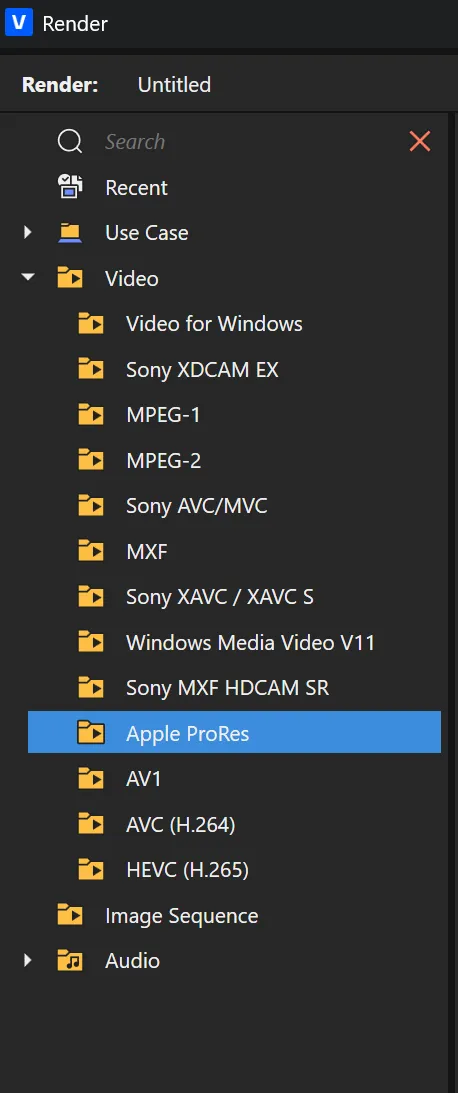
3. Put unzipped files into C:/Program files Vegas Pro 23 Voukoder Pro 2 - VEGAS Pro 23. (See Attached)
I see a Voukoder Pro Designer on my desktop. I register with my serial number and it takes it. Then I go back to Vegas 23 and Voukoder render does not show up. I HAVE SHOW ALL BOX CHECKED. Thank You
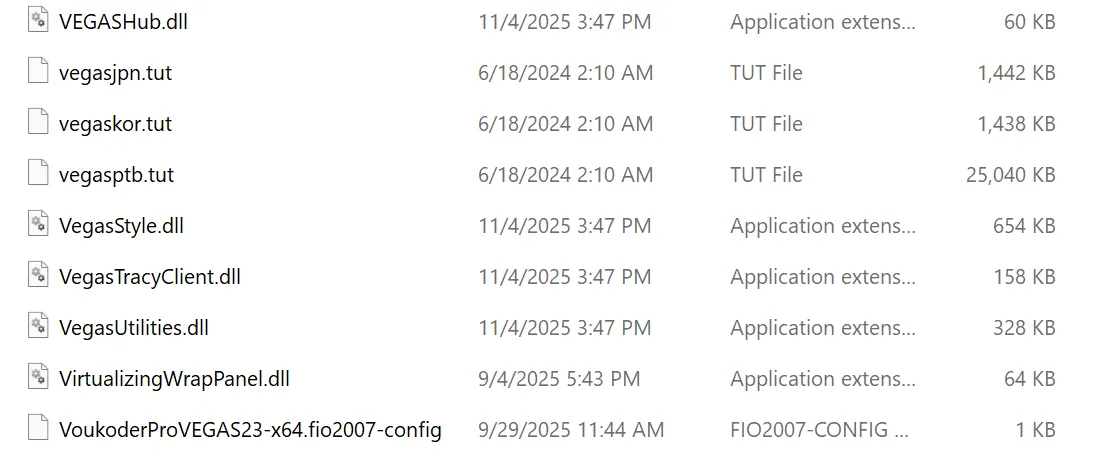
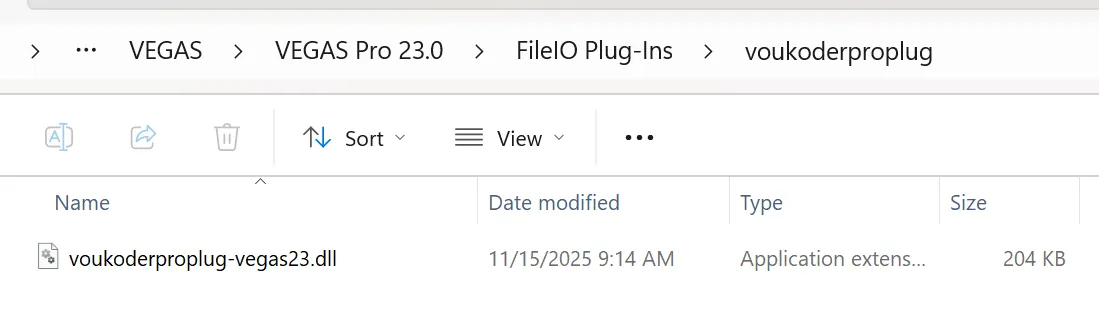
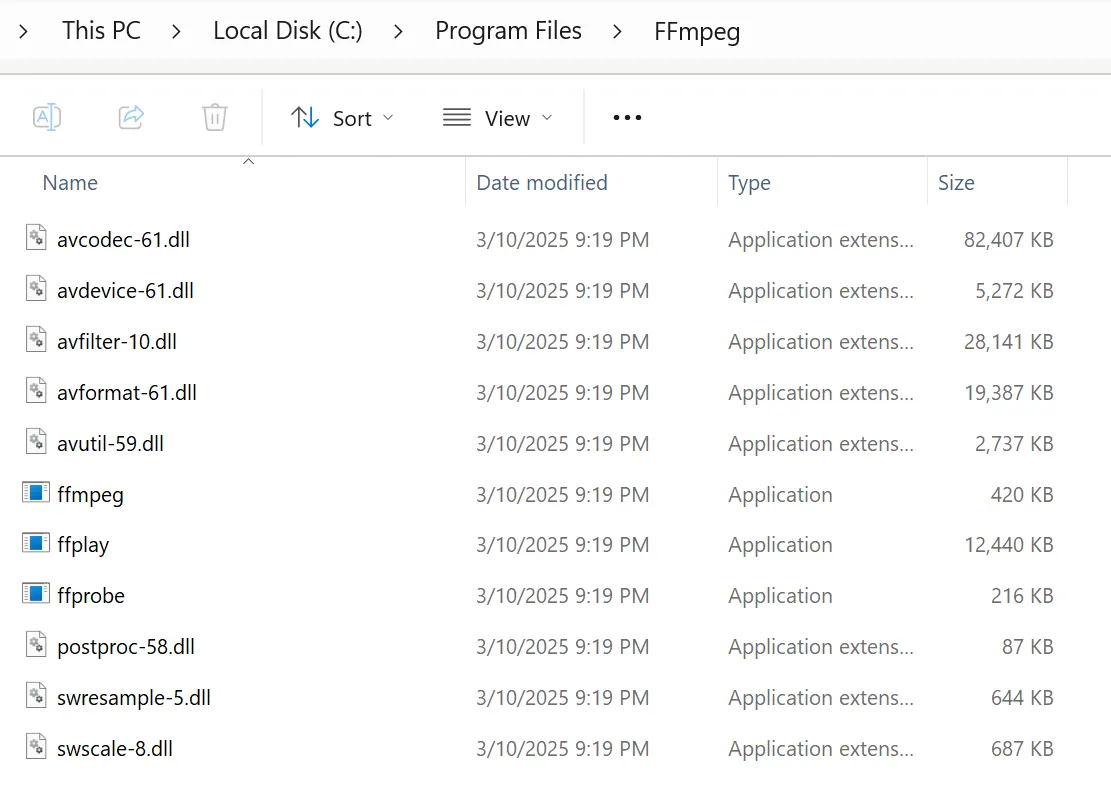
-
Installed Voukoder Pro 2.0.6 that fixed my issue. I now have Voukoder Pro in my render settings in VP 22. Thanks
-
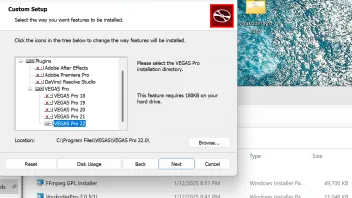
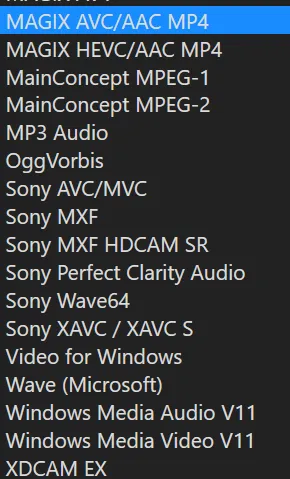
I think I installed this right? Installed 1. FFmpeg GPL Installer. 2. Installed Voukoder Pro 2.0.5. 3. Registered Voukoder in Voukoder Designer. When I go to Vegas Pro in render settings Voukoder does not show. Thanks
[ 
-
I got it to work in Vegas Pro 20. I was testing out Resolve 18, and had both Resolve and Vegas installed on PC. Since I am sticking with Vegas I uninstalled Resolve, uninstalled Voukoder. I reinstalled Voukoder and the connector and it is working great now. Thanks
Just donated to the project.
-
How to do I send log files? I have them saved on my desktop. But it will not upload to your site.
When I render with Voukoder with any GPU enabled setting, nothing is written to the saved folder where the file should be written to. I also enabled Legacy AVC decoding along with legacy HEVC decoding and still no rendered file in Voukoder. I also tried with both disabled and still no render. Thanks.
-
Using Vegas Pro 20 Ver 326. Just testing out my new PC having a 29 second project with 2 short AVC video files from cell phone footage, with 5 jpegs over layed and cropped on top of videos with transitions from Vegas.
I can render using Vegas Magix AVC/MP4 templates with GPU acceleration. When I go to render with Voukoder I can render with H.264. Then if i try to render with any GPU preset in Voukoder the render dialog box shows a render for about 2 seconds showing 100% of-MB. I am using a new RTX 4090 with latest Studio Drivers. I tried rendering in Voukoder with the Intel IGPU settings as I have a 13900K, and AV 1 render since the RTX has AV 1 codecs, but they will not render showing the same dialog box 100% of - MB. I apply the settings before trying to render with Voukoder.
When I select the NVIDIA preset in Voukoder this is all that shows up in options "gpu=0 preset=p4 profile=main qp=23 rc=constqp"
This is what shows up when Intel render templete is used "global_quality=25 look_ahead=1 preset=medium profile=unknown qscale=1"
And this is what is in the options box when X264 is used
"crf=17.000 noise_reduction=8 opencl=1 preset=medium rc=crf x264-params=qpmax=24:chroma-qp-offset=-2:aq-mode=3:aq-strength=0.800:rc-lookahead=110:keyint=480:min-keyint=3:bframes=11:b-adapt=2:ref=3:deblock=0:0:direct=auto:no-weightb=0:me=umh:merange=32:subme=10:psy-rd=0.77:0.22:no-chroma-me=1:trellis=2:no-fast-pskip=1"
Is it something I am doing wrong? My old PC with a 3900X and Radeon Vll rendered with GPU acceleration in Voukoder.
I have the latest stable version of Voukoder with the latest connector. I uninstalled Voukoder and reinstalled with no luck using the GPU renders. Thanks.